
Turn recurring customer questions into video tutorials.
For small SaaS teams with customers to help and no time to record. Describe a workflow, and Cormaa’s agent performs it inside your app to create a narrated video and written guide.
Try 10 recording minutes free. No card needed. Paid plans from $49/month.
See a product workflow become a customer tutorial.
Give Cormaa the steps your customers need to learn. Watch its agent navigate the app, capture the workflow, and turn it into a tutorial you can share.
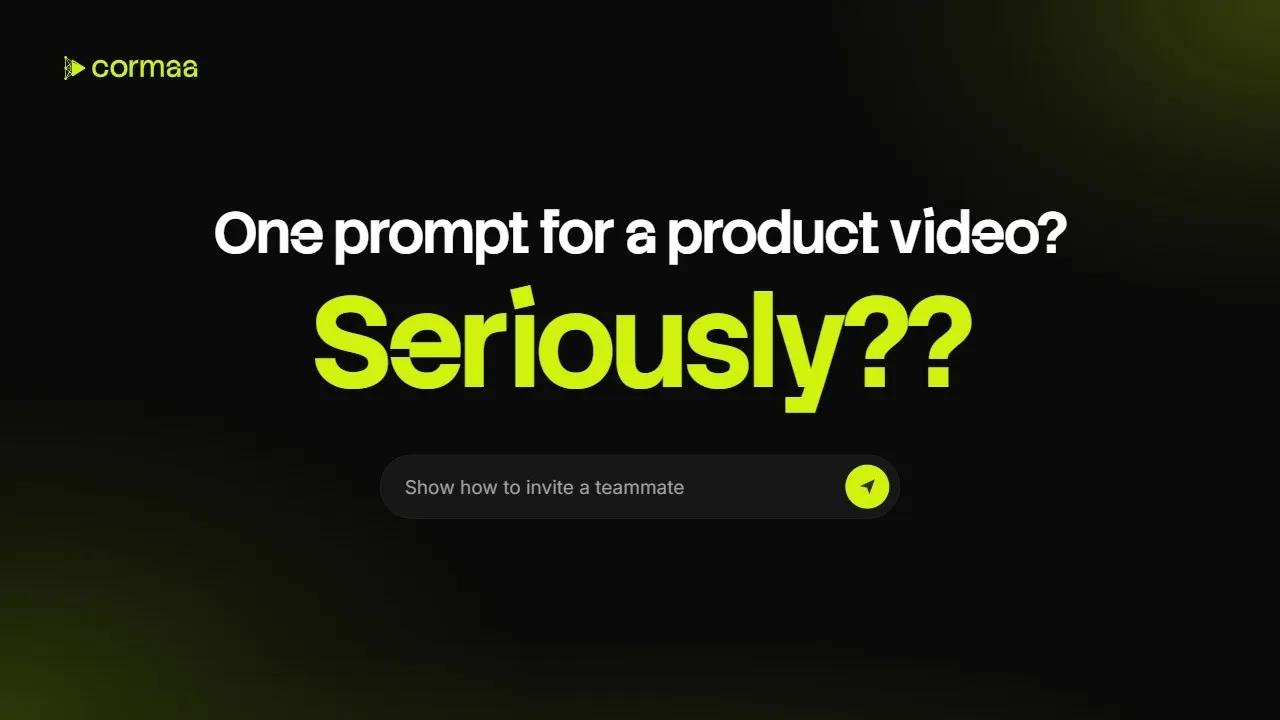
Your team knows the answer. Cormaa handles the production.
Turn that knowledge into clear tutorials without finding time to record, narrate, and edit.
The agent does the walkthrough
Cormaa performs the steps inside your app and captures what customers need to see.
The recording gets cleaned up
Pauses, waits, and failed attempts are trimmed from the video before you review it.
Every step gets an explanation
Narration explains the actions on screen, helping customers follow the workflow.
Customers can follow without sound
Captions make the tutorial easier to follow when audio is off.
Help customers in their language
Create localized tutorials with voice and language options for the customers you serve.
One workflow. An answer your whole team can reuse.
Choose something customers ask about regularly. Cormaa plans and performs the steps, then turns the run into a video and written guide for your team to review and share.
-
Start with a real question
Describe what customers need to do, such as inviting a teammate or changing a setting.
-
Build your answer library
Use the finished tutorial in support replies, onboarding, and your help center whenever that question comes up.
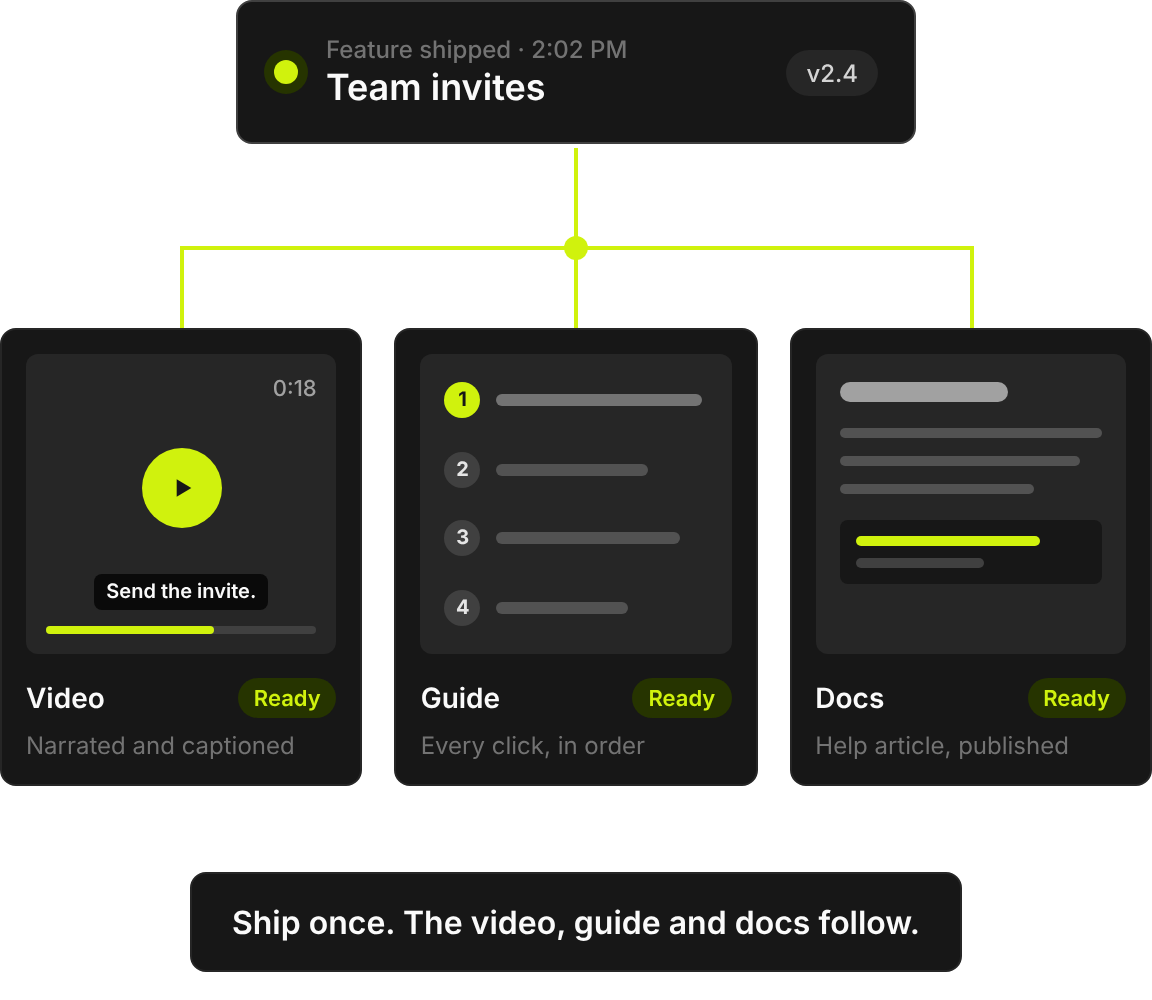
Build the tutorials you keep putting off.
Your team already knows the workflows. Cormaa handles the recording and production, so useful answers can make it out of the backlog.
- Skip the recording session
Describe the workflow and let the agent capture it. Spend your time reviewing the result.
- Refresh after product changes
Rerun the workflow, review the updated tutorial, and publish the new version.
- Get more from each workflow
Create a video and written guide from the same run, ready for customers who prefer either format.
From customer question to reusable answer in three steps.
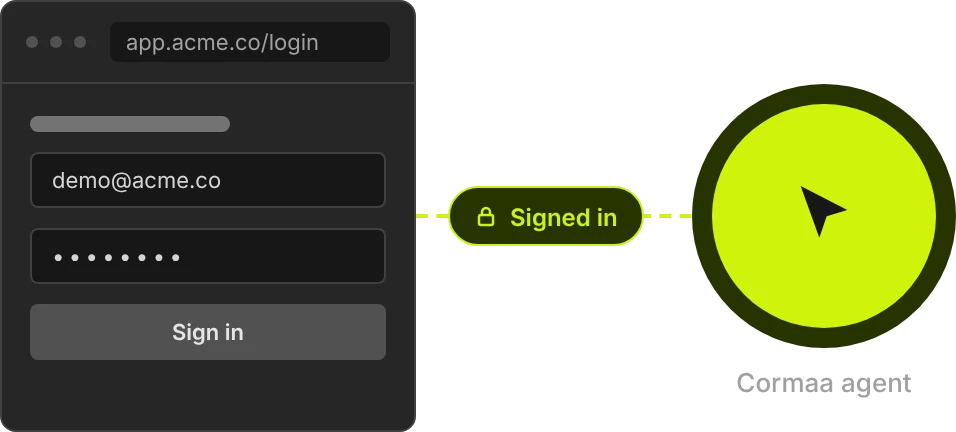
Connect your product
Add your app and connect a demo account with access to the workflow you want to explain.
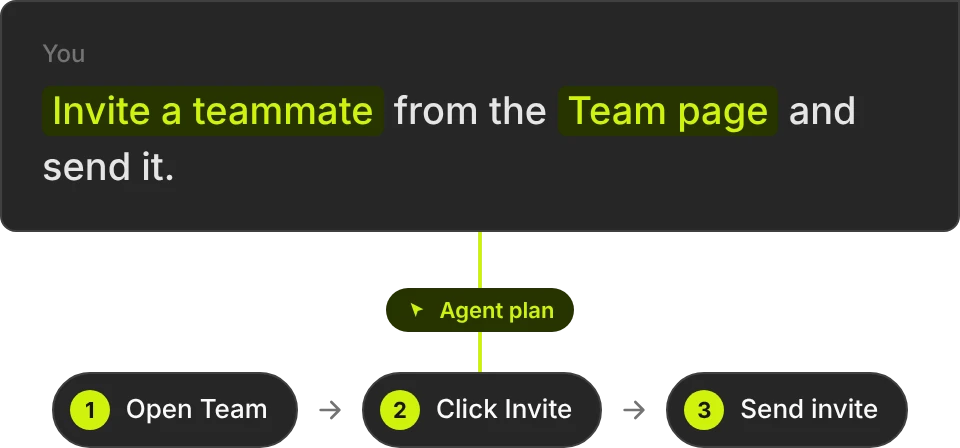
Describe the workflow
Tell Cormaa what customers need to learn. Its agent follows the steps inside your app and captures the walkthrough.
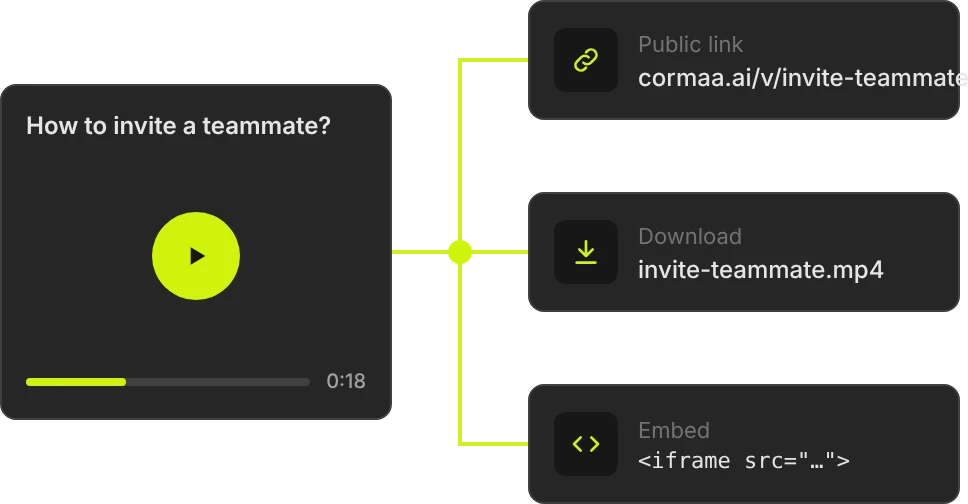
Review and share
Choose a voice and language, review the tutorial, then share it with customers or add it to your help content.
Put the answer where customers already look.
Share a video link in a support reply, add the tutorial to your help center, or embed your Cormaa documentation on your website.
See how we explain Cormaa with Cormaa.
Start with the questions you answer most.
Try Cormaa on a real product workflow, then choose the capacity you need to build your tutorial library. Plans are billed monthly; minutes cover recording, narration, effects, and localized versions.
| Free Trial $0 No card needed Start free trial | Start here Creator $49 / month Start with Creator | Professional $129 / month Choose Professional | Studio $299 / month Choose Studio | |
|---|---|---|---|---|
| Recording minutes | 10 minutes to try Cormaa | 30 minutes per month | 90 minutes per month | 180 minutes per month |
| Connected apps | 1 app | 1 app | 3 apps | 10 apps |
| Video watermark | Cormaa watermark | No watermark | No watermark | No watermark |
| Brand Hub: logos, colors, and fonts imported from your website | Not included | Included | Included | Included |
| Documentation help centers and embeds | Not included | Included | Included | Included |
| Sharing emails from your own domain | Not included | Included | Included | Included |
Free Trial
$0
No card needed
Start free trial- Recording minutes
- 10 minutes to try Cormaa
- Connected apps
- 1 app
- Video watermark
- Cormaa watermark
- Brand Hub: logos, colors, and fonts imported from your website
- Not included
- Documentation help centers and embeds
- Not included
- Sharing emails from your own domain
- Not included
Creator
$49 / month
Start with Creator- Recording minutes
- 30 minutes per month
- Connected apps
- 1 app
- Video watermark
- No watermark
- Brand Hub: logos, colors, and fonts imported from your website
- Included
- Documentation help centers and embeds
- Included
- Sharing emails from your own domain
- Included
Professional
$129 / month
Choose Professional- Recording minutes
- 90 minutes per month
- Connected apps
- 3 apps
- Video watermark
- No watermark
- Brand Hub: logos, colors, and fonts imported from your website
- Included
- Documentation help centers and embeds
- Included
- Sharing emails from your own domain
- Included
Studio
$299 / month
Choose Studio- Recording minutes
- 180 minutes per month
- Connected apps
- 10 apps
- Video watermark
- No watermark
- Brand Hub: logos, colors, and fonts imported from your website
- Included
- Documentation help centers and embeds
- Included
- Sharing emails from your own domain
- Included
Included with every plan, including your free trial
- Videos in 1080p
- Voiceover, video editing, background music, and sound effects
- Video publishing, sharing, and website embeds
- Drafts and workflows within your plan limits
- Upload your own custom watermark
Start with the question you answered twice this week.
Turn that workflow into a tutorial your customers can follow—and your team can share the next time someone asks.
Before you create your first customer tutorial.
Do I need to record my screen?
What do my minutes cover?
Do unused minutes roll over?
What can I create from one workflow?
What account should I connect?
Can I choose the voice and language?
Can I see an example of a finished answer?
Need help choosing your first workflow?
Tell us what your customers keep asking. We’ll help you turn it into your first tutorial.
Talk to us